SCREENING ROOM / 私映 · UPDATED NOVEMBER 4, 2026
Press kit & product introduction
Screening Room / 私映 — private videos, your own folders.
Short description
Screening Room creates encrypted files in your chosen storage and plays supported protected media after unlocking. Available for iPhone, iPad and Mac, with optional OneDrive access and a one-time Pro upgrade.
About the product
Made by QianYang, Screening Room is designed for people who already organize their media in folders. Instead of requiring another app-managed media library, it creates .efl files in a chosen location. Encryption and decryption happen on the device; media is not stored on developer-operated servers. Originals are retained, so users can check the encrypted copy before deciding what to remove.
The app offers free core features with quantity limits and optional one-time Pro. There is no subscription. Current regional compatibility and prices are shown in the App Store.
中文介绍
私映(Screening Room)是一款支持 iPhone、iPad 和 Mac 的私密媒体播放器。在选定位置生成 .efl 加密文件,解锁后直接播放,无需另建 App 私有媒体库。支持可选的 OneDrive 连接与离线副本。免费版提供有数量限制的核心功能,Pro 一次性购买,无订阅。加密会保留原文件。
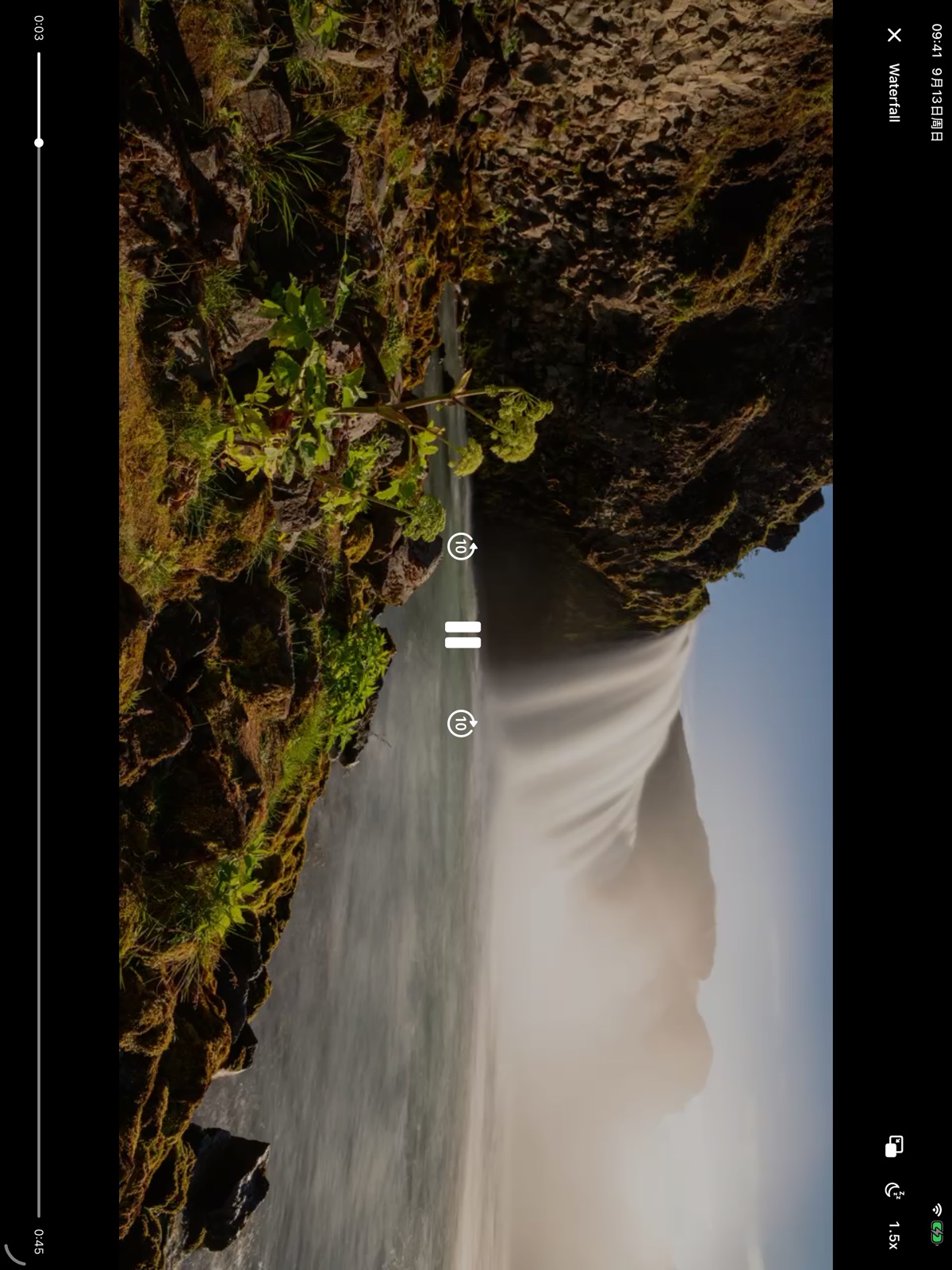
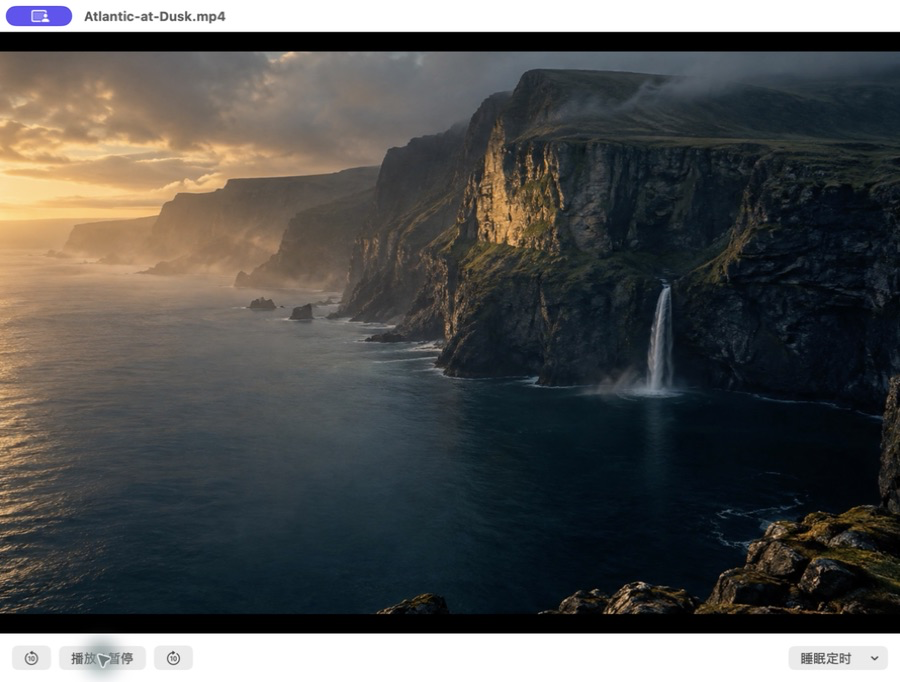
Actual screenshots and icon
Use these product assets when covering Screening Room. Please retain the interface and identify the platform. These are product screenshots, not customer testimonials.

Links and contact
- English website · 中文官网
- Product facts, limitations and guides
- Privacy policy
- Developer and press contact: [email protected]
Please avoid describing Screening Room as hiding every trace, deleting originals automatically, supporting every video format or providing a movie catalog.